Over the years, and due to the widespread popularity of WordPress, many businesses have chosen their CMS more out of inertia and popularity than through a careful analysis of its capabilities compared to competitors such as Drupal, Joomla, or, in this case, DNN. This has often led to myths about what this powerful content management system can actually do for users starting out with it. Here, we aim to debunk some common misconceptions circulating online about this heavyweight of web content management.
DNN CMS and the myth of lacking free modules
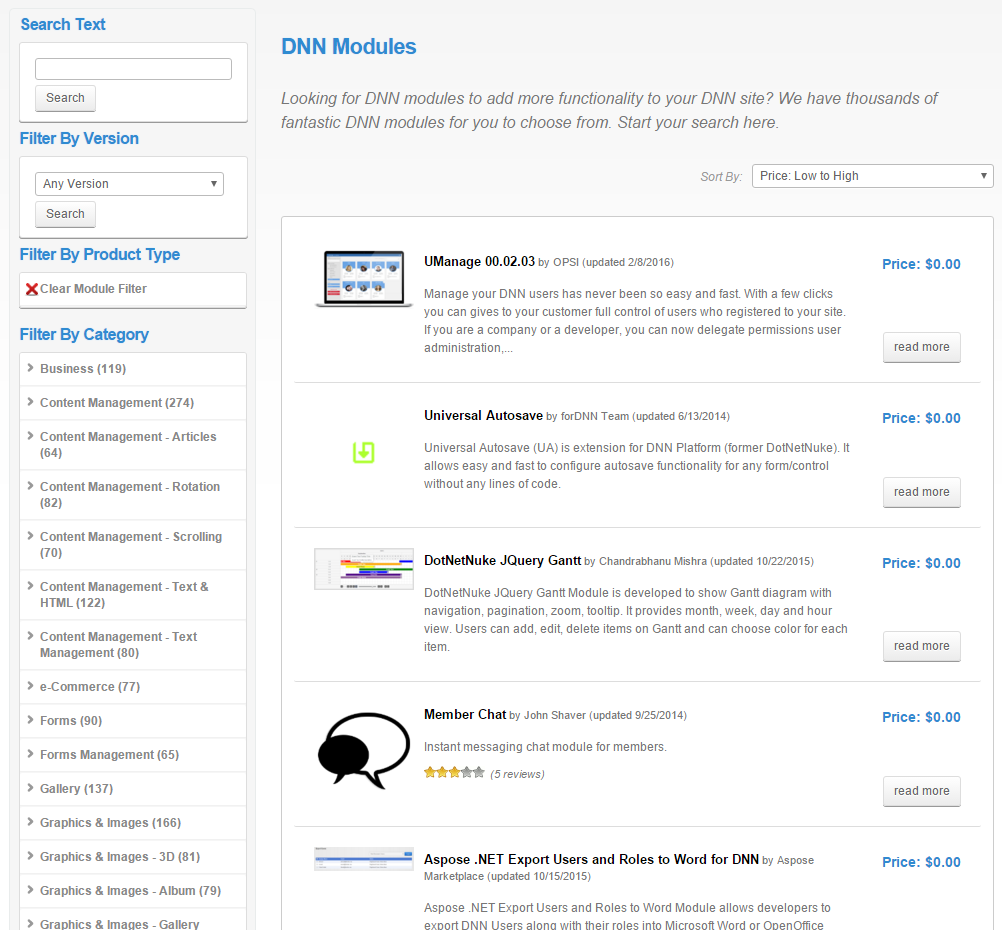
Undoubtedly, other CMS platforms offer a wider selection of free plugins that allow you to customize nearly every aspect of the content manager. However, many of these features are already built into DNN CMS from the start. Because DNN was designed as a CMS for enterprise use, it comes with multiple out-of-the-box functionalities, such as clean URLs, version control, and a user permission system.
While developers on other CMS platforms must invest time in adding and testing these free features, DNN allows developers to save time on research and development, resulting in cost savings. Considering both the time/money balance and the number of free modules available, DNN becomes a very compelling option in this regard.
DNN Installation: Simple and cloud-ready
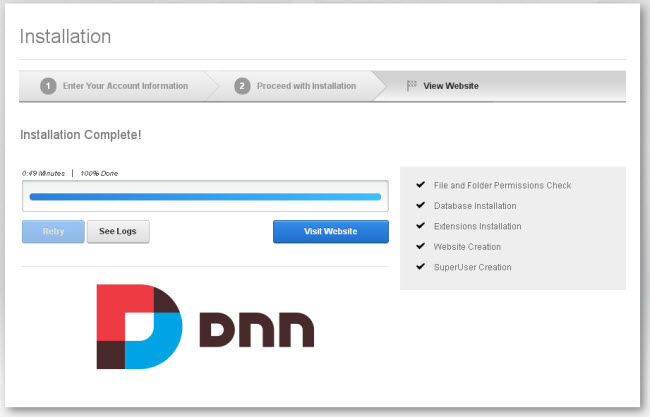
Another myth to debunk is the supposed complexity of installing DNN CMS. In reality, the process is as straightforward as any other CMS. Once you have the basics—an SQL database, an IIS server, and the extracted CMS installation zip file in your desired folder—simply define the connection strings in the web.config file and install the portal by accessing the URL pointing to your IIS folder.
Not to mention cloud solutions like Azure, which offer pre-configured machines with DNN CMS already installed, allowing you to start working in under five minutes.
Uses of DNN CMS in professional environments
DNN CMS not only has a large multilingual community, but it also benefits from the backing of a well-established company, DNN Corp.
This influences the philosophy of the CMS. While other content managers focus on being lightweight, fast, SEO-friendly, and geared toward frequent content uploads, DNN emphasizes features that support stability, security, and scalability—ideal for complex enterprise portals—without compromising general performance. Features include load balancing, multiple secure authentication systems, and tight integration with Microsoft business services, among others.
Here are some examples of enterprise-focused websites built on DNN:
Interface usability and drag & drop features
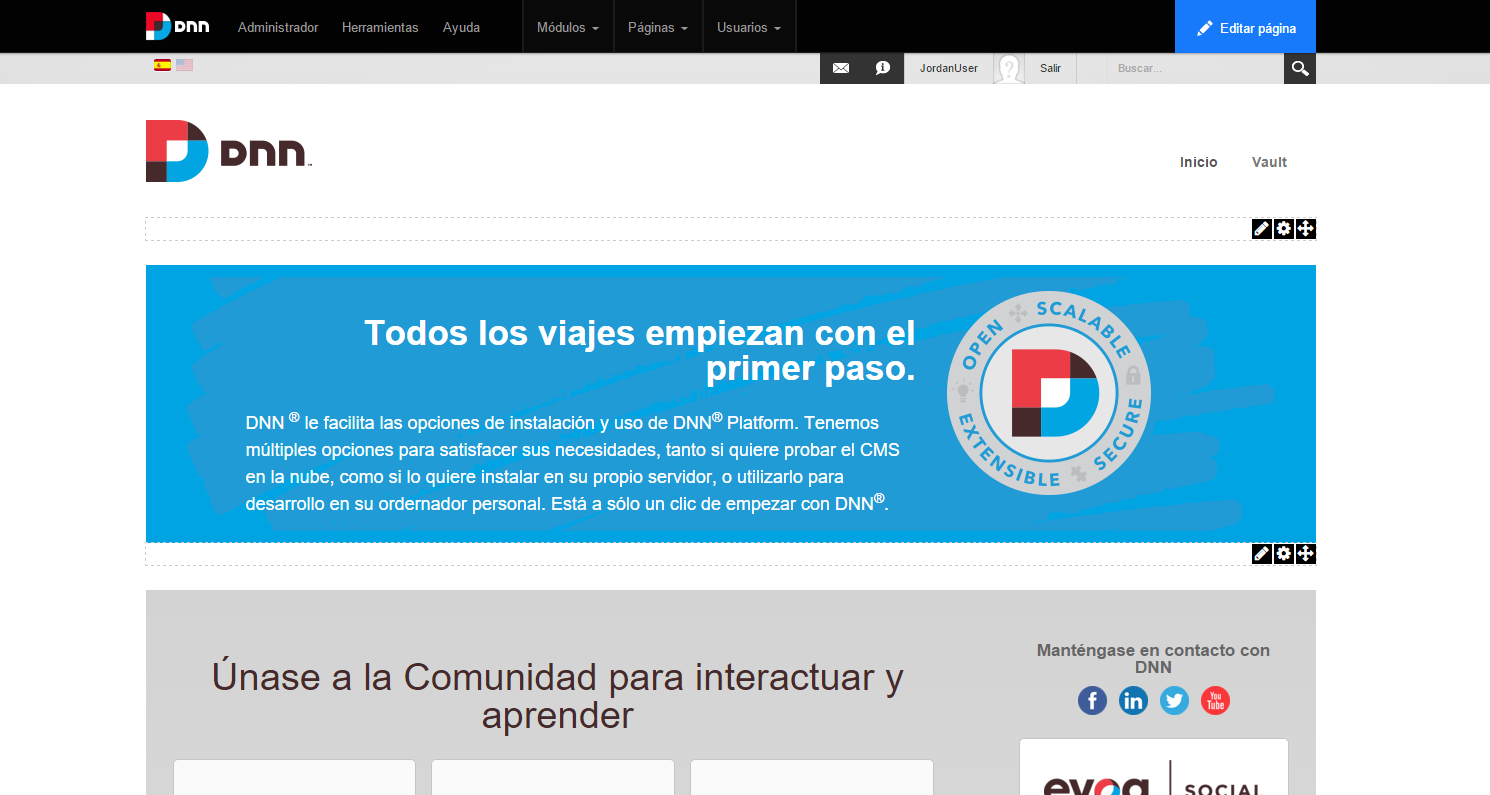
This is somewhat subjective, but it’s worth noting that DNN CMS offers an admin interface integrated directly into your site’s design. You can simply navigate to the page you want to edit and click the element’s edit buttons, unlike most CMS platforms that use a separate admin panel with previews to check changes.
DNN CMS also includes drag-and-drop functionality, making it easy to modify and experiment with page layouts. This visual admin approach ensures a gentle learning curve, allowing users to manage their websites efficiently.